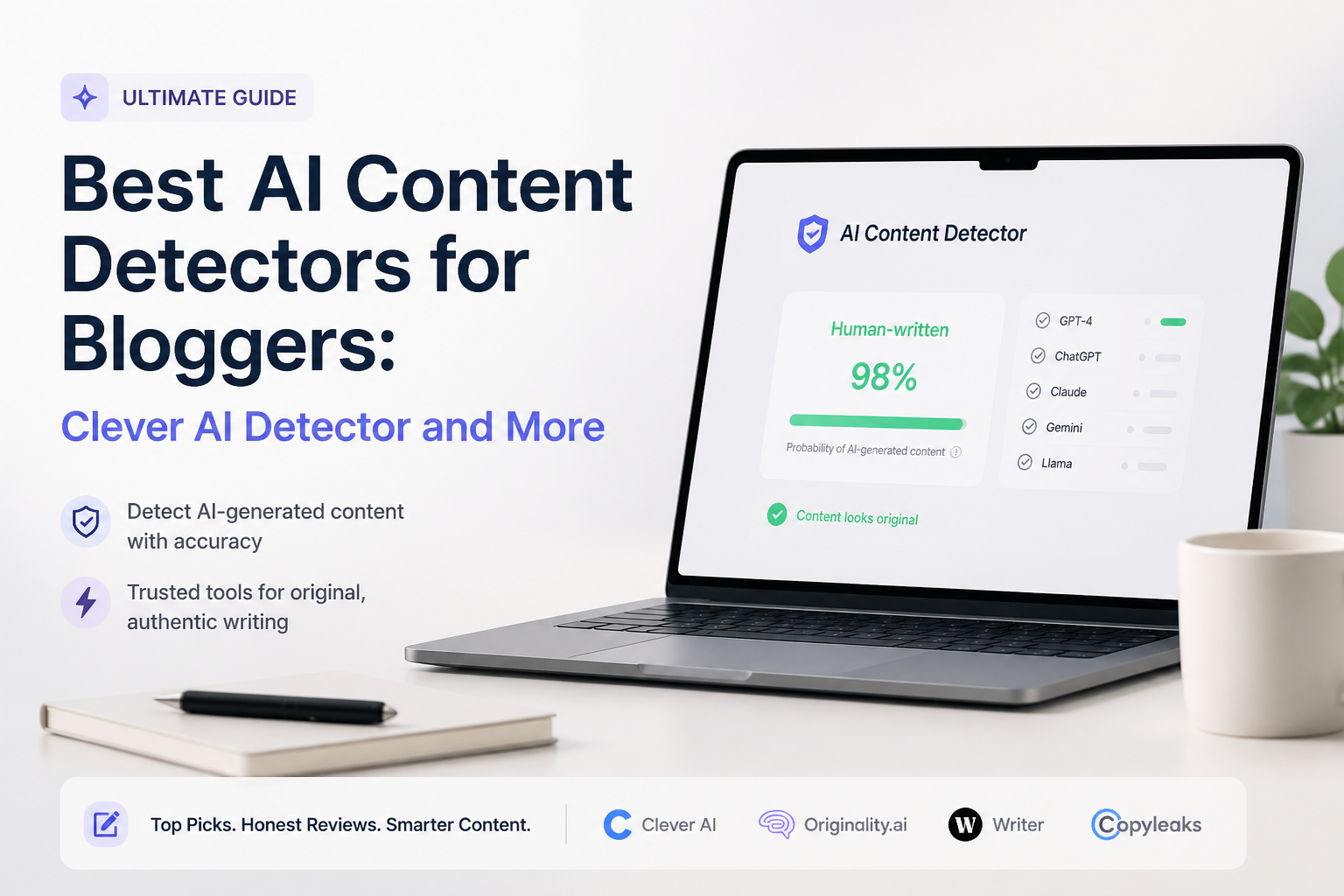
Best AI Content Detectors for Bloggers: Clever AI Detector and More
Five detectors stood out for blog reviews, contributor screening, plus pre-publication checks. Clever AI Detector takes first place for its useful free limits plus measured reporting.
Clever AI Detector
9.2/10Best for: Bloggers who want quick draft screening without subscriptions, tiny scan limits, or forced registration
- Free with no advertised monthly word cap
- Up to 10,000 words in one check
- Sentence-level AI signals
- Confidence context discourages binary conclusions
Originality.ai
8.8/10Best for: Site owners screening freelance submissions, acquired websites, or large archives under one account
- Scans complete websites or single URLs
- AI detection plus plagiarism in one workspace
- File uploads support DOC, DOCX, plus PDF
- Tags, scan history, plus team roles suit editorial queues
GPTZero
8.6/10Best for: Bloggers who draft in Google Docs or need to show how a document changed over time
- Free allowance covers 10,000 words monthly
- Sentence-level highlighting
- Writing replay supplies authorship context
- Chrome extension works inside Google Docs
Best AI Content Detectors for Bloggers Compared
These five tools are compared by sentence-level detail, usable free access, price, plus editorial fit. Scores reflect editorial judgment rather than a universal accuracy benchmark, with the reasoning explained in each review.
| Tool | Sentence Detail | Free Access | Price | Score |
|---|---|---|---|---|
| 1.Clever AI Detector PICK | ● Yes | Unlimited runs | Free | 9.2/10 |
| 2.Originality.ai | ● Yes | ● No | $12.95/mo annual | 8.8/10 |
| 3.GPTZero | ● Yes | 10,000 words/mo | Free | 8.6/10 |
| 4.Copyleaks | ● Yes | ● No | $13.99/mo annual | 8.3/10 |
| 5.Winston AI | ● Yes | 14-day trial | $10/mo annual | 8.1/10 |
The 5 Best AI Content Detectors for Bloggers, Reviewed
01 Clever AI Detector
Web app · CleverFiles
9.2/10
Clever AI Detector
Web app · CleverFiles
Clever AI Detector is the easiest option here to keep in a daily editorial routine. It accepts 80 to 10,000 words per check, requires no payment, then highlights the sentences carrying the strongest AI signals.
The result is framed as probability rather than proof. That distinction matters for bloggers reviewing freelancers, old posts, or AI-assisted drafts. A middling score can stay a middling score instead of becoming a dramatic accusation.
The detector currently focuses on English text. It lacks the plagiarism database, team controls, plus multilingual coverage found in pricier suites, though its free allowance is unusually practical for full blog posts.
Best forBloggers who want quick draft screening without subscriptions, tiny scan limits, or forced registration
- Free with no advertised monthly word cap
- Up to 10,000 words in one check
- Sentence-level AI signals
- Confidence context discourages binary conclusions
- No sign-up required for a basic scan
- English-only detection
- No built-in plagiarism scan
- Newer product with a shorter public track record
02 Originality.ai
Web platform · Originality.ai
8.8/10
Originality.ai
Web platform · Originality.ai
Originality.ai feels built around publishing operations rather than occasional curiosity. Its Pro plan includes 2,000 monthly credits, with one credit covering 100 words. Files, pasted drafts, individual URLs, plus complete websites can enter the same review process.
The strongest blogging feature is the surrounding evidence. Editors can pair AI detection with plagiarism, readability, fact-checking aids, scan history, tags, plus shareable reports. That makes it easier to document why a draft needs another review.
There is no lasting free plan for routine use. Monthly credits also expire, so a solo blogger with uneven publishing months may pay for capacity that disappears.
Best forSite owners screening freelance submissions, acquired websites, or large archives under one account
- Scans complete websites or single URLs
- AI detection plus plagiarism in one workspace
- File uploads support DOC, DOCX, plus PDF
- Tags, scan history, plus team roles suit editorial queues
- Chrome extension supports Google Docs workflows
- No permanent free detection tier
- Monthly credits expire
- Too many extras for simple spot checks
03 GPTZero
Web app plus browser extension · GPTZero
8.6/10
GPTZero
Web app plus browser extension · GPTZero
GPTZero adds something a pasted-text detector cannot: evidence from the writing process. Its Chrome extension can create a replay of document changes, which may help when a client questions authorship after delivery.
The free plan provides 10,000 words per month. Paid tiers raise the monthly volume, batch limits, plus per-scan character allowance. Sentence highlighting is useful, while the newer AI Patterns view explains recurring traits that influenced a result.
Usage is metered, unlike Clever AI Detector. Some bloggers may also find process tracking excessive when they only need a fast check before publishing.
Best forBloggers who draft in Google Docs or need to show how a document changed over time
- Free allowance covers 10,000 words monthly
- Sentence-level highlighting
- Writing replay supplies authorship context
- Chrome extension works inside Google Docs
- Paid plans support larger batches
- Free allowance resets monthly
- Best workflow features favor Google Docs users
- A replay cannot prove who supplied every idea
04 Copyleaks
Web platform plus browser tools · Copyleaks
8.3/10
Copyleaks
Web platform plus browser tools · Copyleaks
Copyleaks is the broadest option here for mixed-language editorial work. Its Personal plan covers AI detection in 30-plus languages, plagiarism detection in over 100, multiple-file uploads, saved scans, plus browser access.
The credit system is fairly concrete: one credit scans up to 250 words or one image. A monthly Personal subscription includes 100 credits, while annual billing raises the allowance to 1,200 credits.
That annual-versus-monthly allowance difference deserves a close look before subscribing. Copyleaks also bundles several integrity tools, which raises the entry price for bloggers who only want text detection.
Best forMultilingual blogs or agencies that want AI, plagiarism, plus image screening in one subscription
- Detection supports 30-plus languages
- AI plus plagiarism results share one report
- Chrome, Edge, plus Firefox extensions
- Google Docs add-on included
- Can scan text or AI-generated images
- Monthly Personal plan includes only 100 credits
- Higher starting cost than basic detectors
- Credit rules take a moment to understand
05 Winston AI
Web app · Winston AI
8.1/10
Winston AI
Web app · Winston AI
Winston AI makes sense for sites publishing more than text. The platform can evaluate writing, scan documents, read text from images through OCR, plus inspect pictures for synthetic or manipulated content.
The 14-day free trial includes 2,000 credits. Essential supplies 100,000 credits monthly, while Advanced adds plagiarism features, website certification, plus access for up to five team members.
For text-only bloggers, the extra image features may sit unused. The free access is also a trial rather than a permanent monthly allowance.
Best forBloggers checking written posts, uploaded documents, photographs, or suspected deepfake images
- AI text plus image detection
- OCR handles scans or handwriting
- Sentence-level analysis
- Shareable PDF reports on paid plans
- Annual Essential plan has a reasonable effective rate
- Free tier expires after 14 days
- Plagiarism requires Advanced or higher
- Several features exceed a typical solo blogger's needs
How We Evaluated AI Content Detectors for Blogging Workflows
We compared each detector using the tasks bloggers actually face: pasting a full draft, locating suspicious passages, reviewing contributor work, checking available context, plus estimating the cost of repeated scans. We also examined current scan limits, account requirements, report formats, supported languages, plagiarism options, browser tools, plus pricing as displayed in September 2026.
Scores place extra weight on useful explanations, low-friction access, plus responsible presentation of uncertainty. Vendor accuracy claims were not treated as directly comparable because companies may use different datasets, thresholds, model versions, or definitions of a correct result.
How to Choose an AI Content Detector for a Blog
Start with the job behind the scan. A solo writer checking personal drafts may only need a free paste box with sentence highlights. An editor handling 40 contributors may need stored reports, plagiarism checks, roles, tags, URL scans, plus predictable monthly capacity.
Look closely at the unit being sold. Some plans count words, others use credits, while trials may expire after a fixed number of days. Also check language support before paying. English-focused models may give weak or misleading results on translated posts, mixed-language copy, code, quotations, or highly technical prose.
Common AI Detector Mistakes Bloggers Should Avoid
The biggest mistake is treating a percentage as a factual measurement of authorship. A score reflects resemblance to patterns in a detector's model. It does not reveal who wrote the ideas, who edited the draft, or how much AI assistance was used.
Avoid testing tiny excerpts, repeated templates, navigation text, quotations, or keyword-heavy product blocks by themselves. Use a meaningful sample, remove copied material, then compare the result with revision history, citations, factual quality, voice consistency, plus prior work from the same writer.
Which AI Content Detector Should a Blogger Use?
Clever AI Detector earns first place because its 10,000-word checks, sentence signals, plus $0 price fit everyday blog editing without adding another subscription. Originality.ai is the stronger operational choice for publishers that need site scans, plagiarism checks, tags, or team controls.
GPTZero suits writers who value document history. Copyleaks makes more sense for multilingual sites, while Winston AI is worth considering when image verification matters too. None should become an automated rejection machine.
Run a known human article plus a known AI draft through your top two choices, then compare how clearly each tool explains uncertain or mixed results before adopting it.