Disk Drill Review: Can It Recover Files from a Formatted Drive?
Disk Drill can pull files from a quick-formatted drive when the old data still exists. Its clear previews help, though the tiny free allowance plus strict refund terms make the purchase worth checking carefully.
Disk Drill is a solid first scan for a healthy drive that was quick-formatted by mistake. It handles the confusing parts well, including lost partitions, RAW volumes, file filtering, previews, plus byte-to-byte images. Results still depend on whether new data, TRIM, or a full format erased the old content.
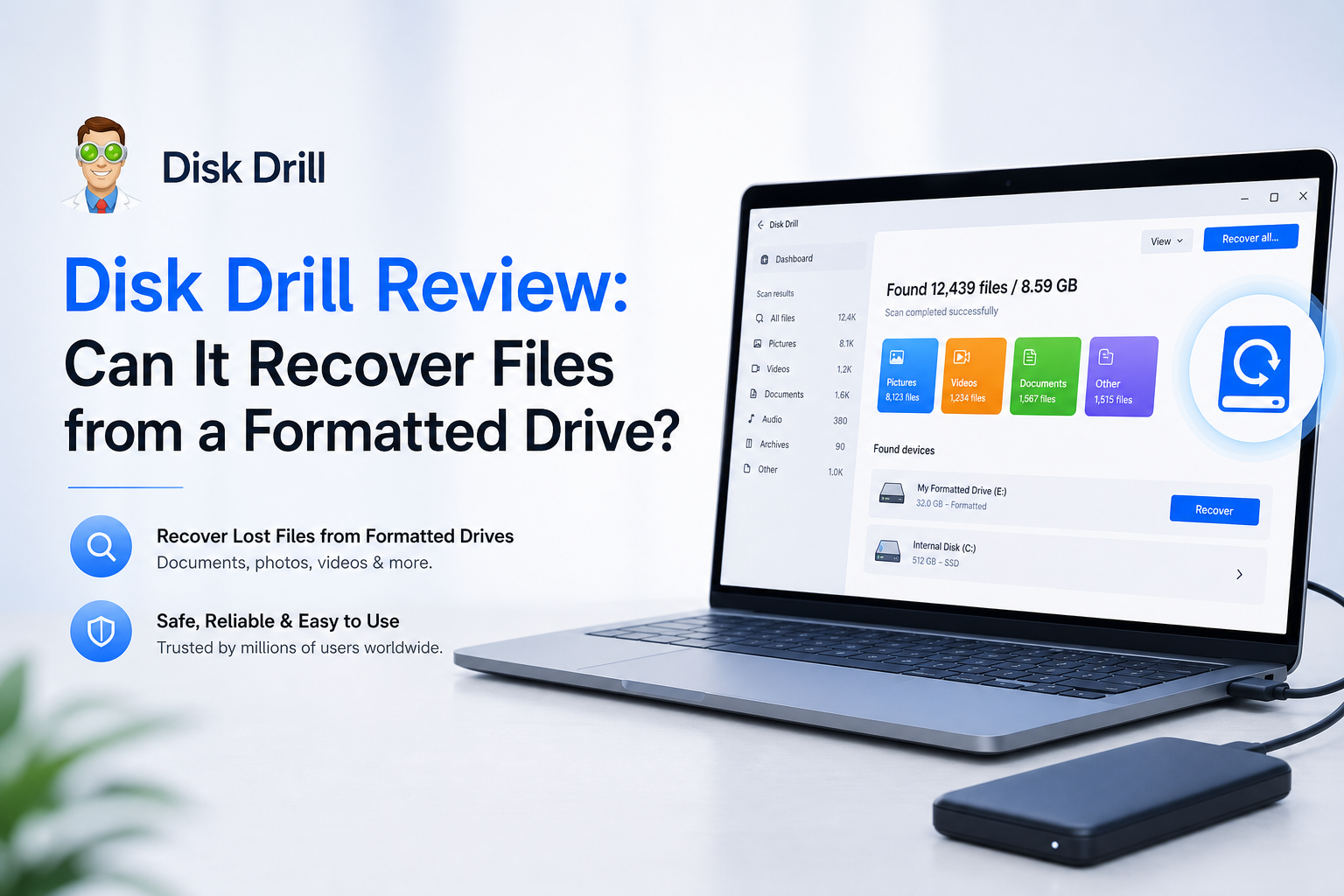
Disk Drill at a Glance
8.7/10Disk Drill is a Windows plus macOS recovery app for deleted files, formatted storage, lost partitions, RAW volumes, memory cards, plus disk images. It scans first, then lets you preview likely results before recovery.
Best forHome users recovering a healthy HDD, USB drive, or memory card after an accidental quick format
- Quick plus deep recovery scans
- Formatted-drive plus lost-partition search
- File previews with recovery-chance labels
- Byte-to-byte disk imaging
- Advanced Camera Recovery
- Simple recovery workflow
- Strong formatted-media support
- One license covers Mac plus Windows
- Only 100 MB free on Windows
- No general free recovery on Mac
- Strict refund terms
How We Evaluated Disk Drill for Formatted-Drive Recovery
We reviewed Disk Drill's current Windows plus macOS workflow, official recovery limits, licensing terms, scan features, preview behavior, disk-imaging options, plus formatted-media guidance. We also compared those claims with reports involving quick-formatted USB drives, inaccessible SD cards, lost camera footage, failed previews, plus unusable recovered files.
Scores favor practical evidence before purchase. Preview quality, safe handling of the source drive, clarity of the recovery steps, plus realistic limitations counted more than the total number of files listed after a scan.
When Disk Drill Is the Wrong Choice for a Formatted Drive
Do not scan a drive that clicks, disappears, fails to spin normally, reports the wrong capacity, or becomes extremely slow. Repeated reading can worsen physical damage. Disconnect it, then contact a reputable recovery lab if the files matter.
Software is also unlikely to help after a secure erase, a full overwrite, or TRIM cleanup on an SSD. If the formatted device has been used since the mistake, recover whatever remains to a separate disk. Never save restored files back onto the source.
Disk Drill for Formatted Drives: How We Scored Each Category
| Category | Performance | Score |
|---|---|---|
| 01 Formatted-Drive Recovery | 9.1/10 | |
| 02 Preview Workflow | 9.4/10 | |
| 03 Scan Tools | 8.8/10 | |
| 04 Ease of Use | 9.2/10 | |
| 05 Cost and Licensing | 7.2/10 |
Disk Drill Formatted-Drive Recovery Features in Detail
01 Formatted-Drive Recovery
Best after a quick format with no later writes
9.1/10
Formatted-Drive Recovery
Best after a quick format with no later writes
Disk Drill makes sense for a drive that was formatted accidentally but remains visible in Windows Disk Management or macOS Disk Utility. Its scan can search for surviving file-system records, then fall back to file signatures when the original directory data is gone.
The practical limit is the drive itself. A quick-formatted HDD, USB stick, or memory card may retain plenty of recoverable content. A secure erase, full format, overwritten volume, or TRIM-enabled SSD can leave little to retrieve. That is a storage limitation, not something recovery software can reverse.
- Scans quick-formatted HDDs, USB drives, plus memory cards
- Can locate files after a partition becomes RAW
- Signature scanning works when file-system records are missing
- Recovery-chance labels help prioritize important files
- Original folders may be lost after heavy file-system damage
- TRIM can make formatted SSD recovery impossible
- No software can restore overwritten sectors

02 Preview Workflow
The most useful check before paying
9.4/10
Preview Workflow
The most useful check before paying
The preview stage is Disk Drill's best safeguard against buying blind. Photos can be opened, many videos can be played, plus readable documents can be inspected before starting a paid recovery.
A filename appearing in the results is not enough. Look for actual image detail, readable document text, or smooth video playback. A blank thumbnail, broken preview, or low recovery-chance rating is a warning that the file contents may already be damaged.
- Unlimited scanning plus previews before purchase
- Filters by file type, size, date, or recovery chance
- Search helps when a scan returns thousands of files
- Preview offers better evidence than a filename alone
- Some uncommon formats need a compatible local viewer
- A preview cannot guarantee every large file is intact
03 Scan Tools
Useful extras for unstable media or camera cards
8.8/10
Scan Tools
Useful extras for unstable media or camera cards
Disk Drill combines quick file-system checks with deeper signature searches. It also includes byte-to-byte backup, saved scan sessions, recovery-chance estimates, S.M.A.R.T. monitoring, plus Advanced Camera Recovery for fragmented media from supported cameras.
The byte-to-byte option matters more than the flashy extras. If a disk is slow, disconnecting, or reporting bad sectors, creating an image first reduces repeated work on the original device. A severely failing drive still belongs with a recovery lab.
- Byte-to-byte images let you scan a copy
- Saved sessions avoid repeating long scans
- Advanced Camera Recovery targets fragmented media
- Supports common Windows, Mac, plus Linux file systems
- Deep scans can produce messy signature-based results
- Extra utilities make the sidebar feel busy
- Imaging a large disk requires equal or greater free space
04 Ease of Use
Clear enough for a first recovery attempt
9.2/10
Ease of Use
Clear enough for a first recovery attempt
The basic path is easy to follow: select the physical device, click Search for lost data, inspect the results, then recover selected files to another disk. Device names, capacities, plus partitions are shown clearly enough to reduce wrong-drive mistakes.
The interface also hides much of the technical clutter found in forensic recovery tools. That helps home users, though experienced technicians may prefer deeper control over file-system candidates, offsets, or scan parameters.
- Straightforward scan, filter, preview, recover flow
- Connected devices are presented clearly
- Results can be grouped by pictures, video, audio, or documents
- Windows plus macOS versions share a familiar layout
- Simplified controls expose fewer forensic details
- Large result sets still require patient sorting
05 Cost and Licensing
Useful free evaluation with a very small recovery cap
7.2/10
Cost and Licensing
Useful free evaluation with a very small recovery cap
Disk Drill Basic costs $0. Windows users can recover up to 100 MB, while Mac users mainly get scanning plus preview access unless files were protected through eligible Disk Drill features. That is enough to test a document or small photo, not a formatted drive full of media.
As of July 2026, the listed base options are $89 per year or $159 for a lifetime license. One PRO license covers Windows plus macOS for one user on up to three devices. The yearly plan renews automatically unless canceled.
The bigger concern is the refund policy. PRO purchases are generally treated as non-refundable after delivery, so preview several high-priority files before paying. Do not judge the scan only by how many filenames appear.
- Free scans plus previews make evaluation possible
- One license covers Windows plus macOS
- PRO permits unlimited recovery
- Lifetime option avoids recurring payments
- Windows free recovery stops at 100 MB
- Mac offers no general free recovery allowance
- PRO purchases are generally non-refundable
What Disk Drill Users Report After Data Loss
The original poster said Disk Drill recovered photos from an inaccessible SD card, then retrieved 9 GB of mixed test files from a formatted USB drive.
A wedding shooter reported recovering ceremony footage from a mistakenly formatted Canon card after confirming one small clip worked within the free limit.
One commenter said the paid recovery failed to produce usable client files, followed by a poor support experience plus no refund.
A computer technician described it as useful for logically damaged but mechanically healthy drives, with decent results on accidentally erased photos, videos, plus documents.
Should You Use Disk Drill on a Formatted Drive?
Disk Drill is worth trying after an accidental quick format, especially on an HDD, USB stick, or camera card that has not been reused. Its previews, filters, plus disk-imaging tool make the recovery process less intimidating. Skip the purchase if important files do not open in preview, or if the drive clicks, disconnects, vanishes, or slows to a crawl.
Stop using the formatted drive, create a byte-to-byte image if the device is stable, then preview several important files before buying PRO.